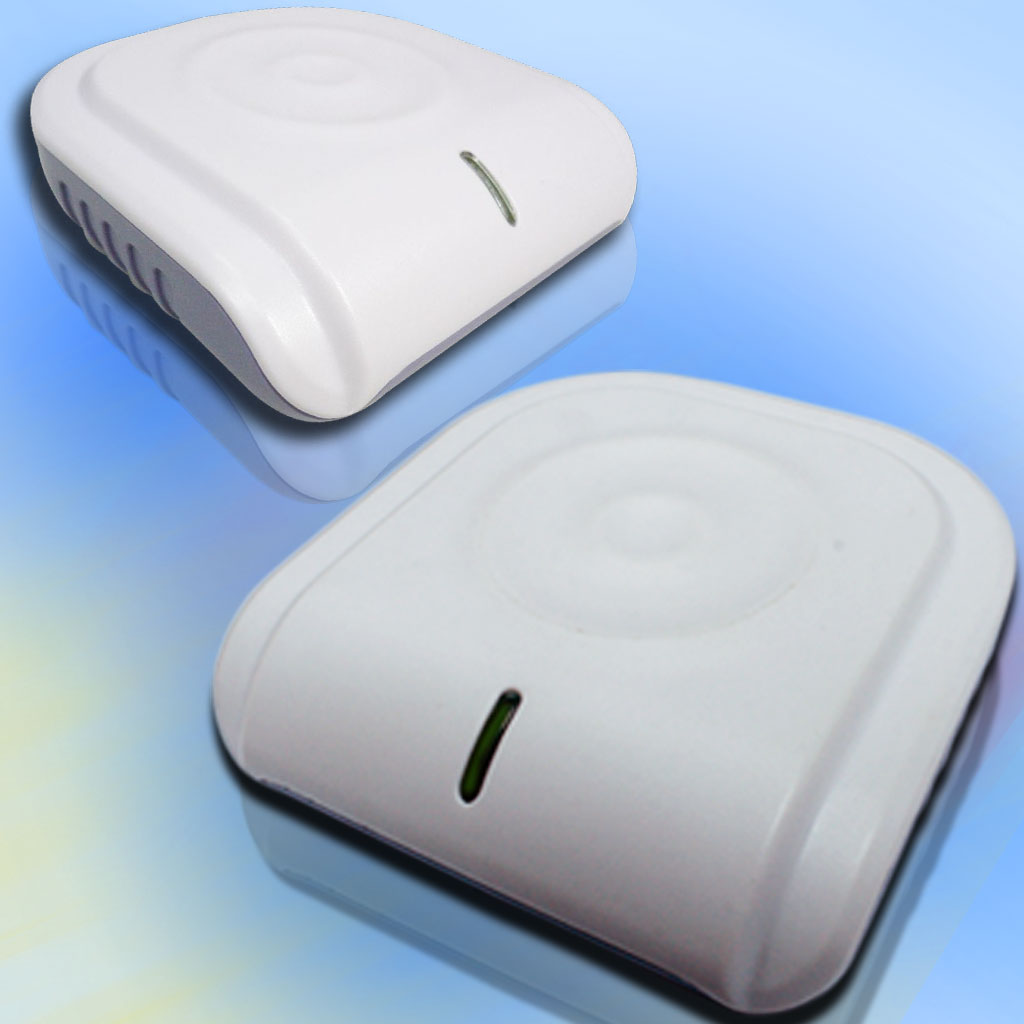
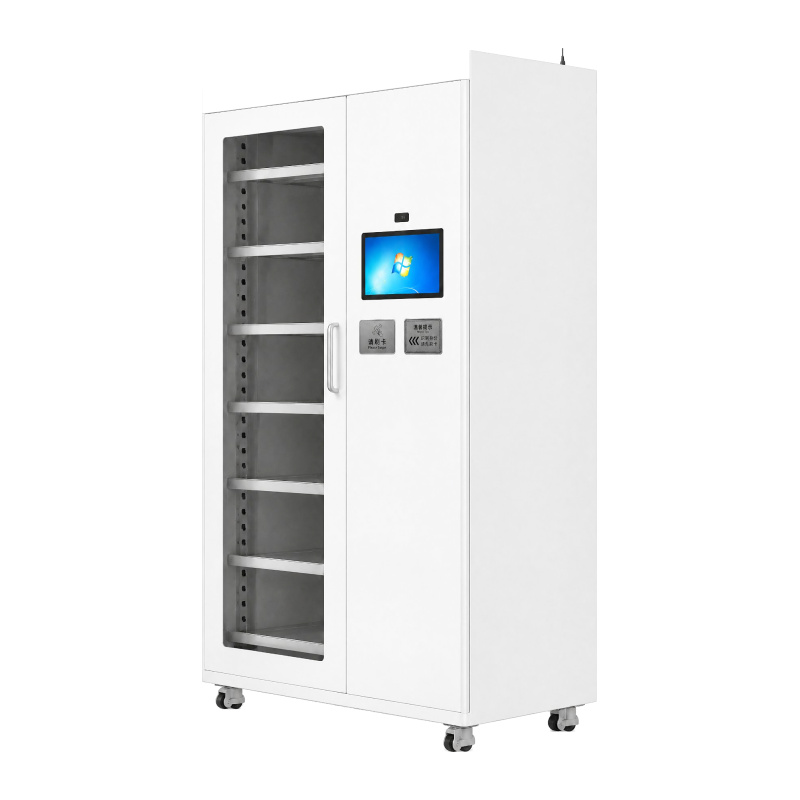
HY-DP005 RFID Smart Tool Management Cabinet
Spécifications:
| Modèle / cabinet type | HY-DP005 / main cabinet |
| Nominal dimensions W x H x D | 1100 x 2030 x 550 mm |
| Enclosure material | 1.0 mm carbon-steel sheet |
| Door window | 4 mm toughened glass |
| Shelving | Adjustable shelving; reference shelf size 971 x 500 mm |
| Mobility | 4 leveling castors |
| Touchscreen | 14-inch capacitive touchscreen; 1920 x 1080; 16:9 |
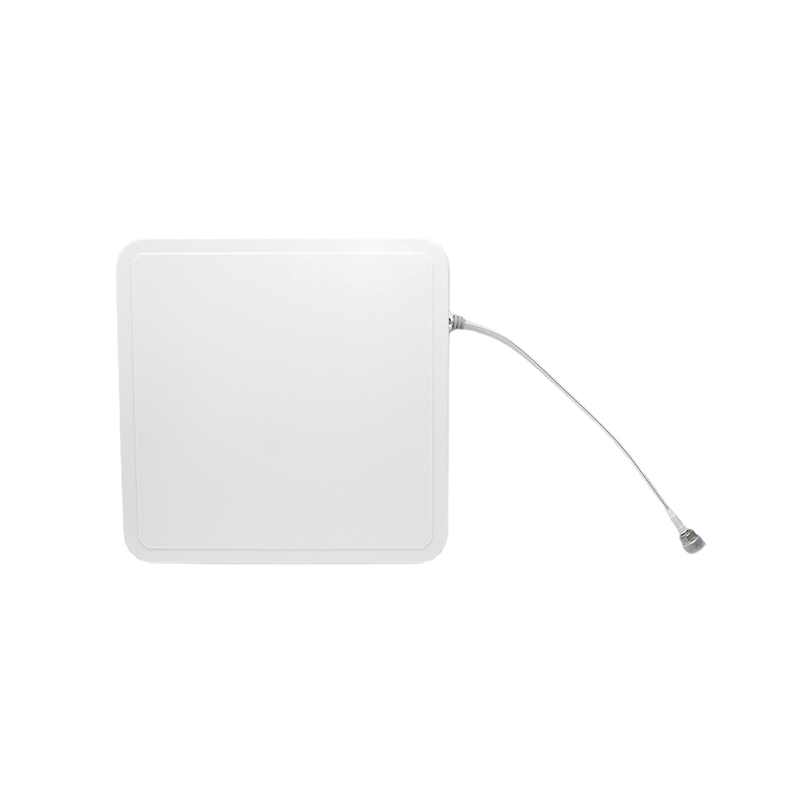
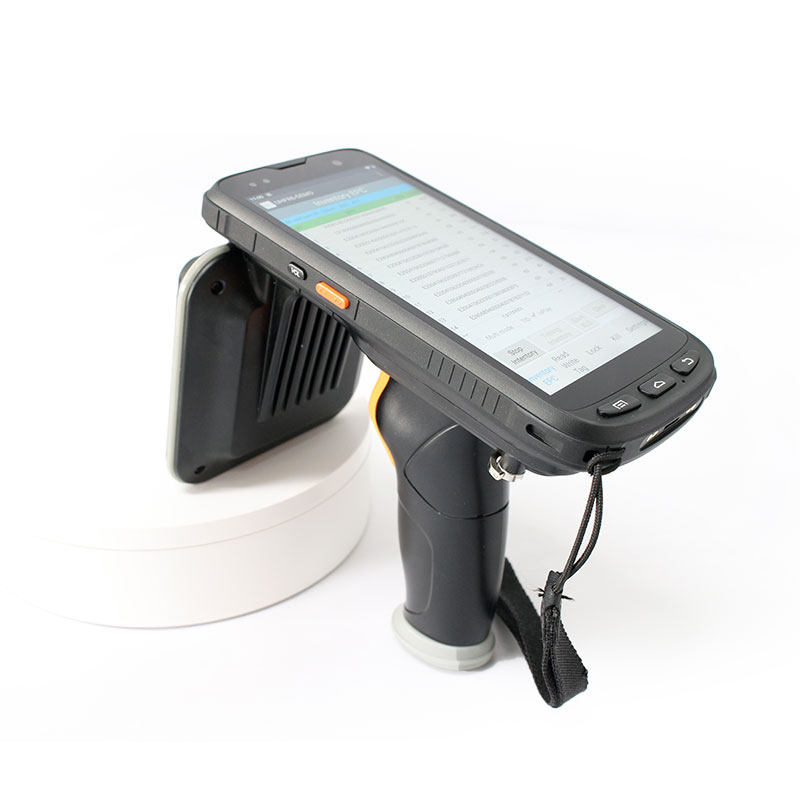
| Tool identification | RFID UHF; ISO/IEC 18000 - 6C / Classe EPC 1 GEN 2 |
| RF configuration | Regional operating band confirmed for the destination and installed reader |
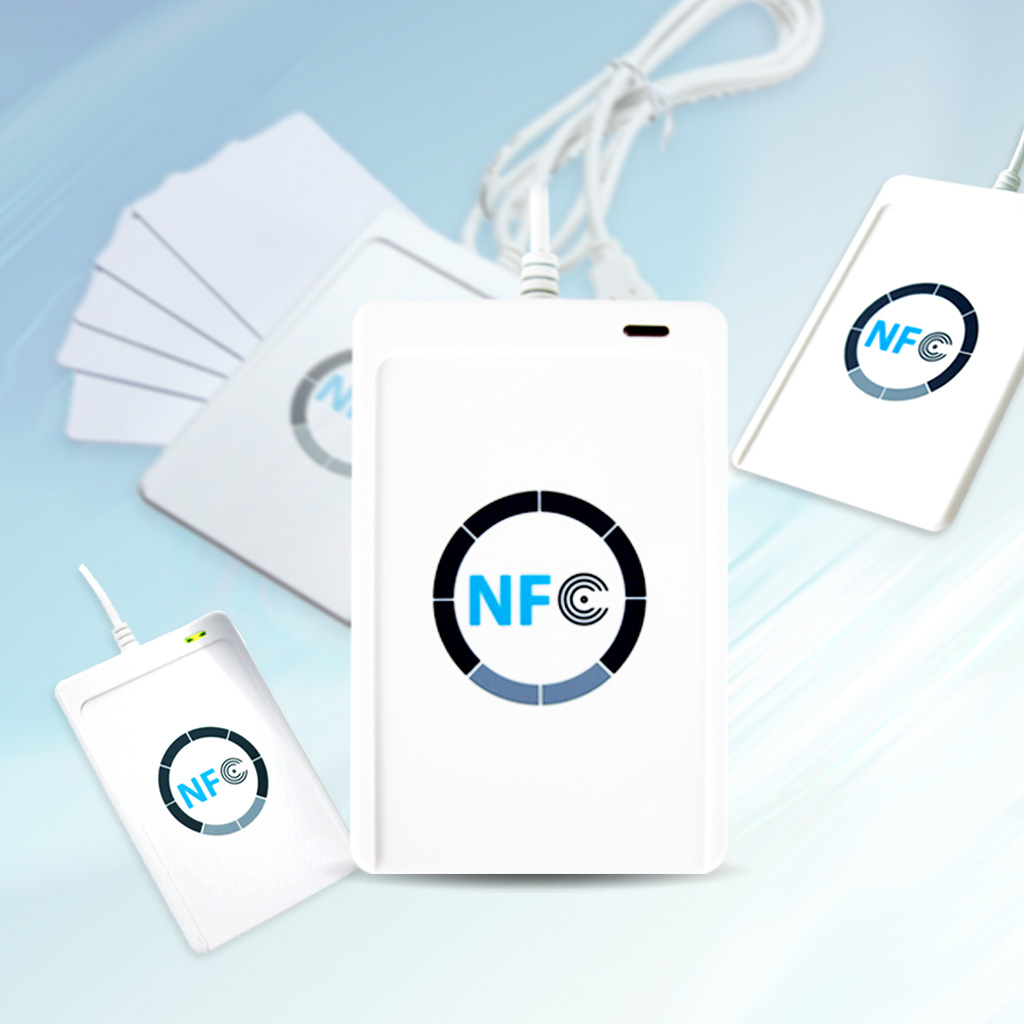
| Current user login | Bound HF card UID or account and password |
| Alimentation | AC 220 V, 50 Hz |
| Reference rated power | 150 W maximum (manufacturer reference configuration) |
| Hardware interfaces | Ethernet and 2 USB interfaces (reference configuration) |
| Current software platform | Local Windows x64 application; WPF / .NET 8 |
| Reader duration | Configurables; software default 5 s after a successful reading start |
| Data import / export | Excel tool and personnel import with pre-checks; inventaire, report and audit exports |
| Interface language | Chinois; any English UI scope requires separate confirmation |
* Dimensions are the nominal figures in the manufacturer specification table. Confirm the final mechanical drawing before ordering or site preparation. Hardware values describe the reference cabinet, not independent verification of the installed system. The configured RFID reading period is not a guarantee of total transaction time, tag capacity or reading accuracy. Performance depends on tags, tool materials, placement and RF conditions.
Applications
- Manufacturing tool rooms: Track shared tools issued to operators and maintenance teams.
- Maintenance workshops: Follow borrowing, faults, maintenance notes and tool availability.
- Laboratories and training rooms: Manage tagged instruments and shared tools under a defined local workflow.
FAQ
Do users have to scan or select every tool?
Not for the normal borrowing and return workflow. Users handle tagged tools and close the door; the software checks the RFID observations and records or flags the result.
Can a user borrow and return in the same session?
Oui. A session can include both removal and return, with the two outcomes recorded separately.
Is the complete transaction finished in 5 secondes?
No fixed end-to-end time is promised. Five seconds is the default configured reading period after the reader starts successfully; door handling, validation and result processing take additional time.
Does the current software run on Windows 7 or Android?
N°. The current application targets Windows x64 and .NET 8. Select an appropriate supported Windows configuration; Android hardware references do not mean an Android version of this software is included.
Are face recognition and ERP or MES connections standard?
They are not included as standard capabilities of the current software description. Any biometric hardware or external integration requires a separate scope and acceptance plan.
What happens if a tag or tool position is unexpected?
The software presents the difference or an item requiring review. Administrators follow the specific correction or recovery workflow rather than treating an unknown result as a successful transaction.
Request a Configuration and Quote
Send your tool list, materials and sizes, expected quantity, number of users, installation location and destination country. RFIDHY will review the cabinet, tags and operating requirements before confirming the delivery scope and quotation.